Blog posts can be super simple or as intricate as you want. Whichever you decide, just remember these easy steps, and creating a blog post on your EE website will be a breeze. If you do have any issues, please don’t hesitate to get in touch with us.
Step 1: Log in to Your Website and Go to Your Blog Page
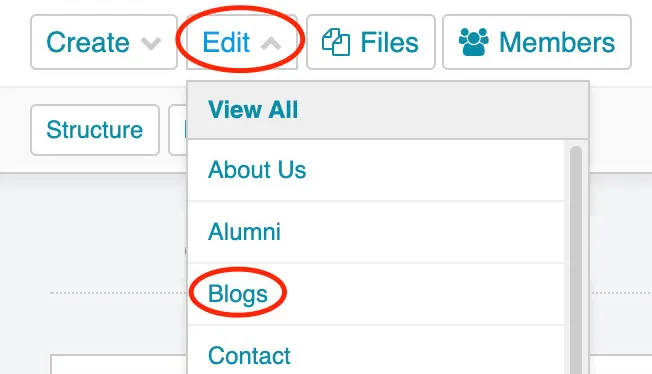
Of course, the first thing you need to do is log in to your website. Once you have logged in, you’ll go to your blog section. To find this, you will need to click “Edit” and then “Blog” (some blogs do have a unique name, so if your website doesn’t have Blog, be sure to look for your blog’s specific name).
Step 2: Adding a New Blog
Now that you have gone to your blog section, you will need to click the blue “New In Blogs” button on the upper right side of your screen.

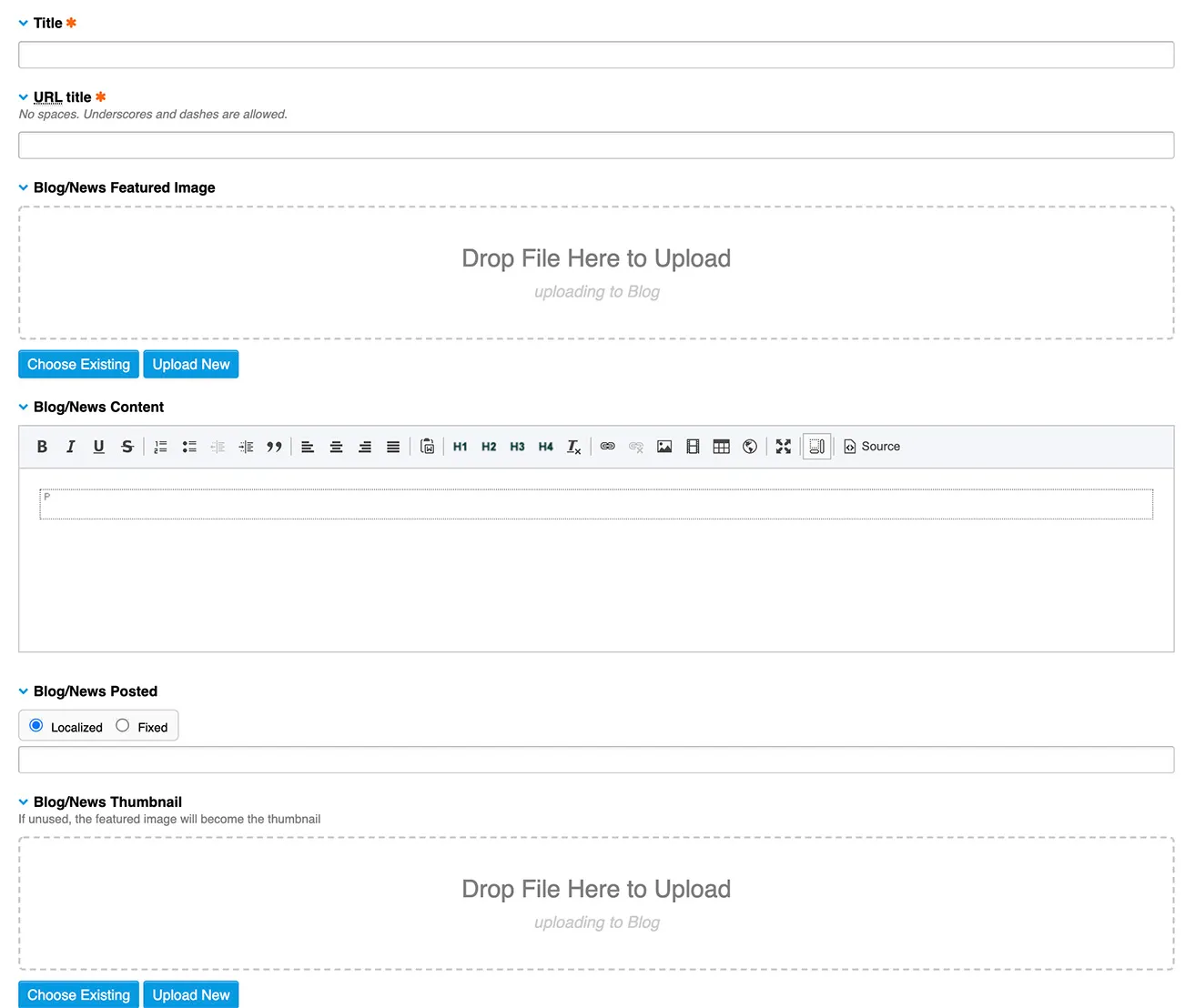
Once you have clicked on this button, this screen will appear:
Blog title
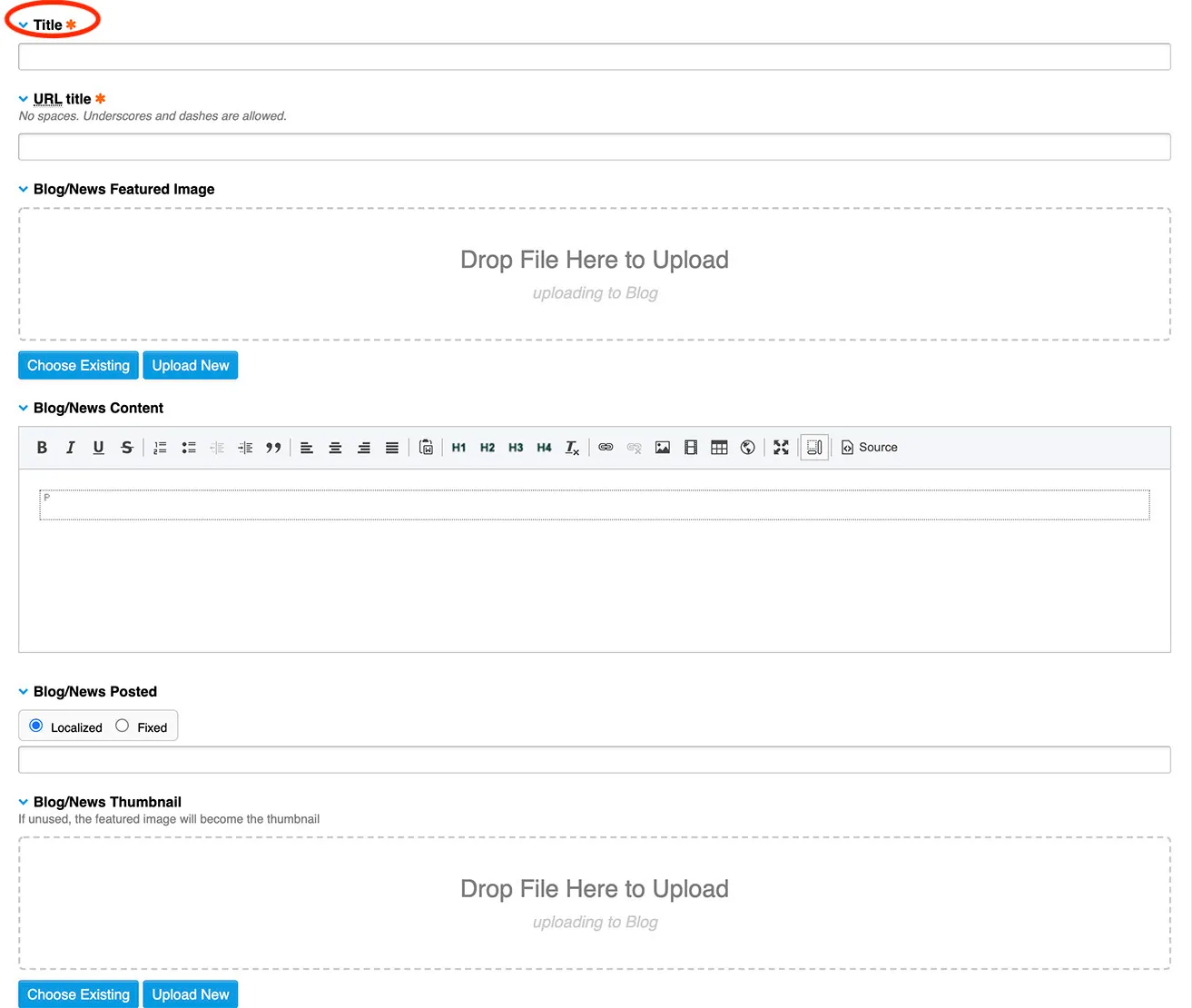
Once that page comes up, the first thing you will do is give your blog post a title.
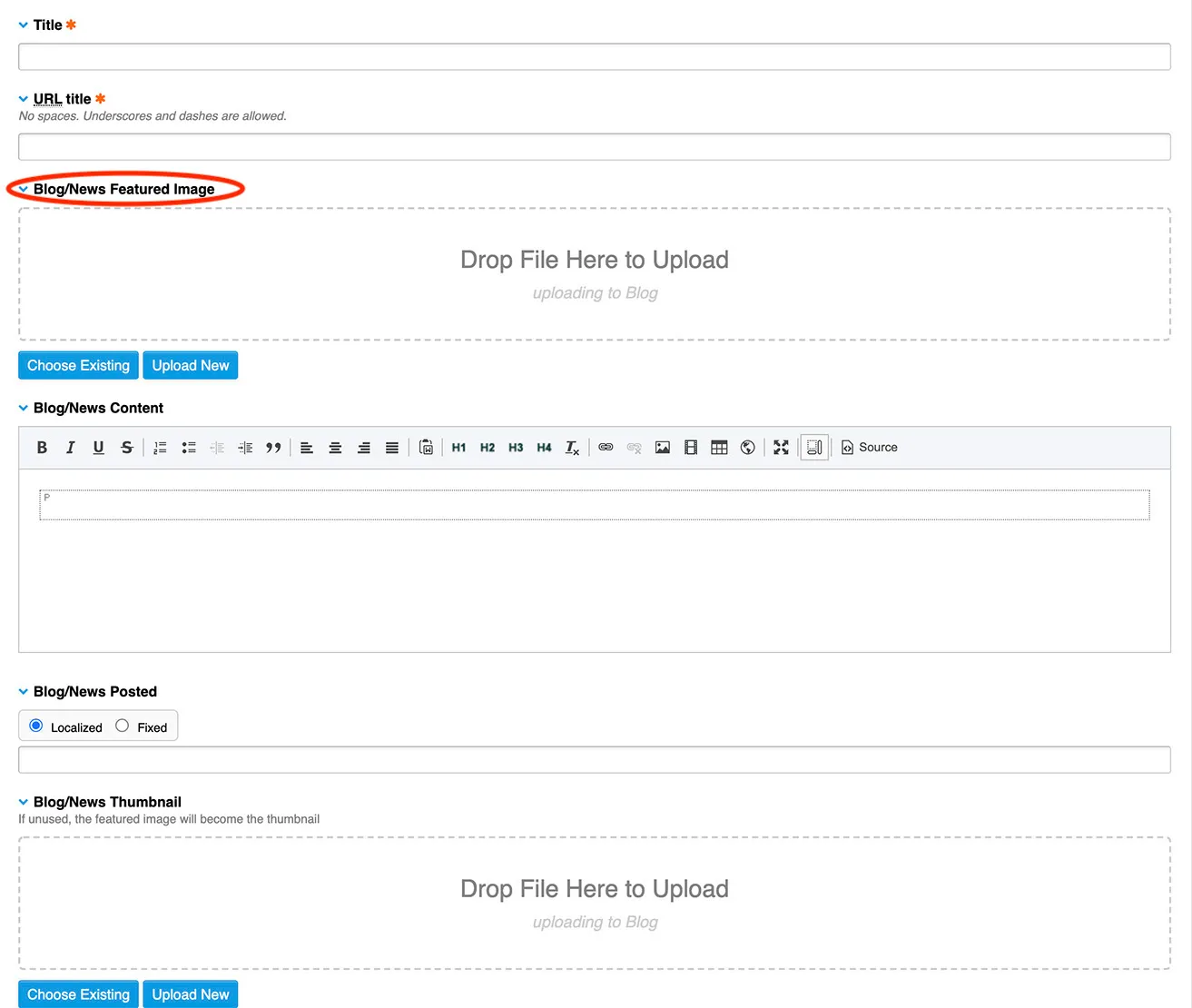
Featured Image
The featured image is the first image you will see on your blog. The featured image could be clear at the top like a header image, or it could be right above the title of the blog….this all depends on your website. With featured images, you don’t have to upload them to the Files beforehand; you can drag and drop them in if you prefer. Keep in mind that you will still want to size these images before uploading them to your website.
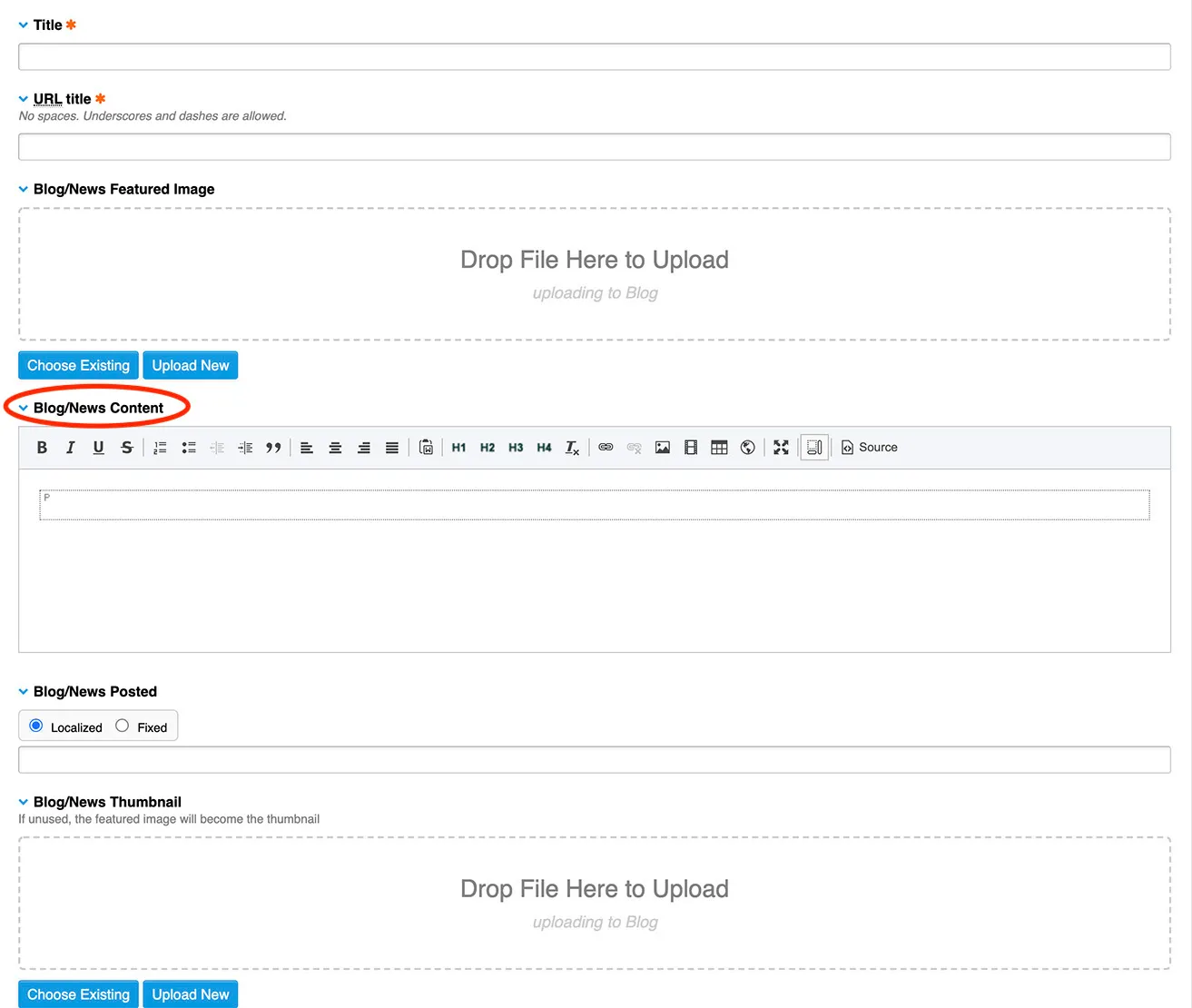
Blog Content
This is where you add your content. If you copy text from a different document, be sure to clear the formatting before pasting it into your blog content. The content box is where you will add your images as well. Unlike the featured images, these will need to be uploaded to your Files before adding them to your blog post. Remember that these need to be sized before uploading them to your site.
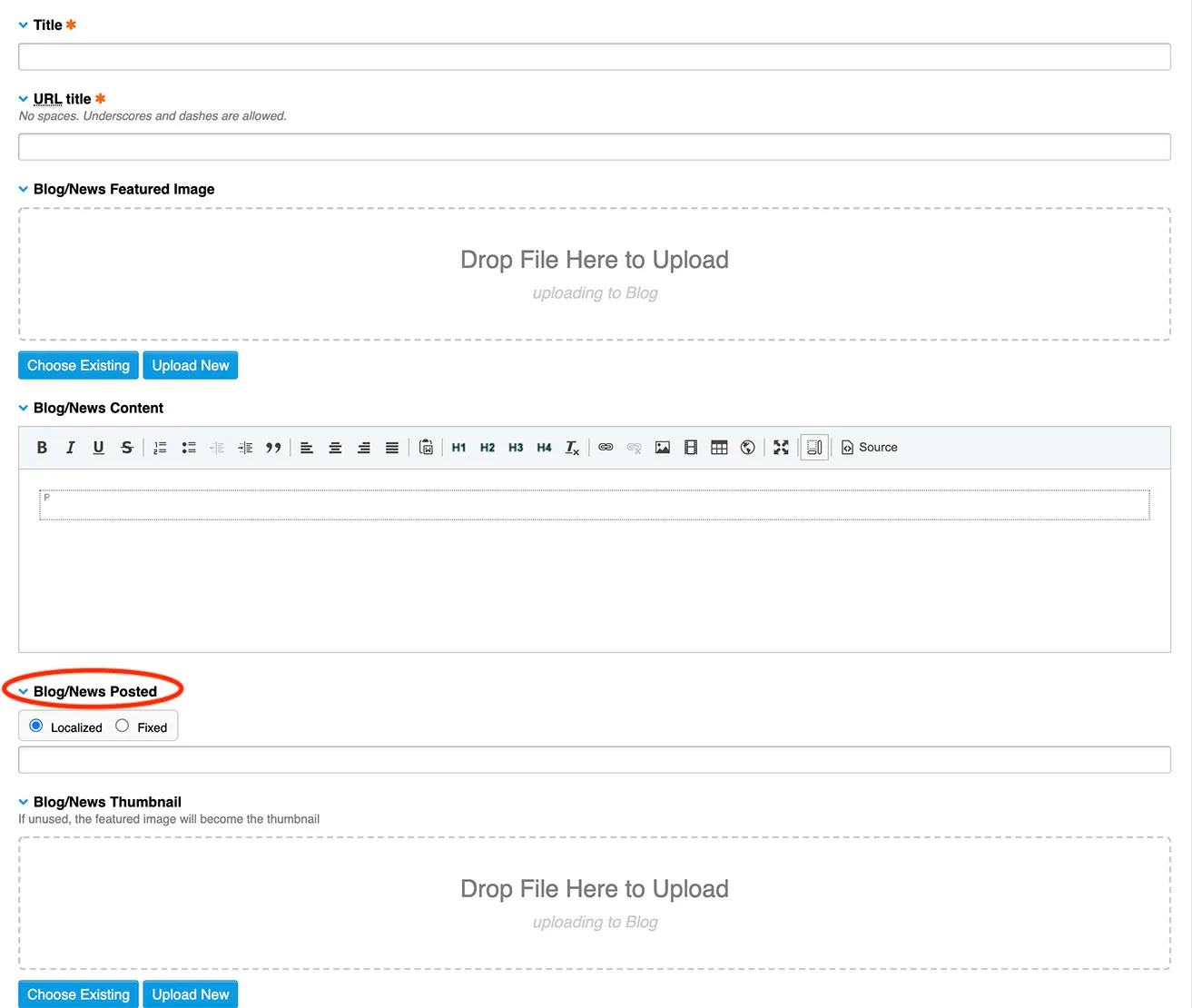
Blog Posted
This is one spot that you may think is not important, when in all actuality, it is crucial. Blogs will not be posted to your EE website unless you fill in the Blog Posted section.
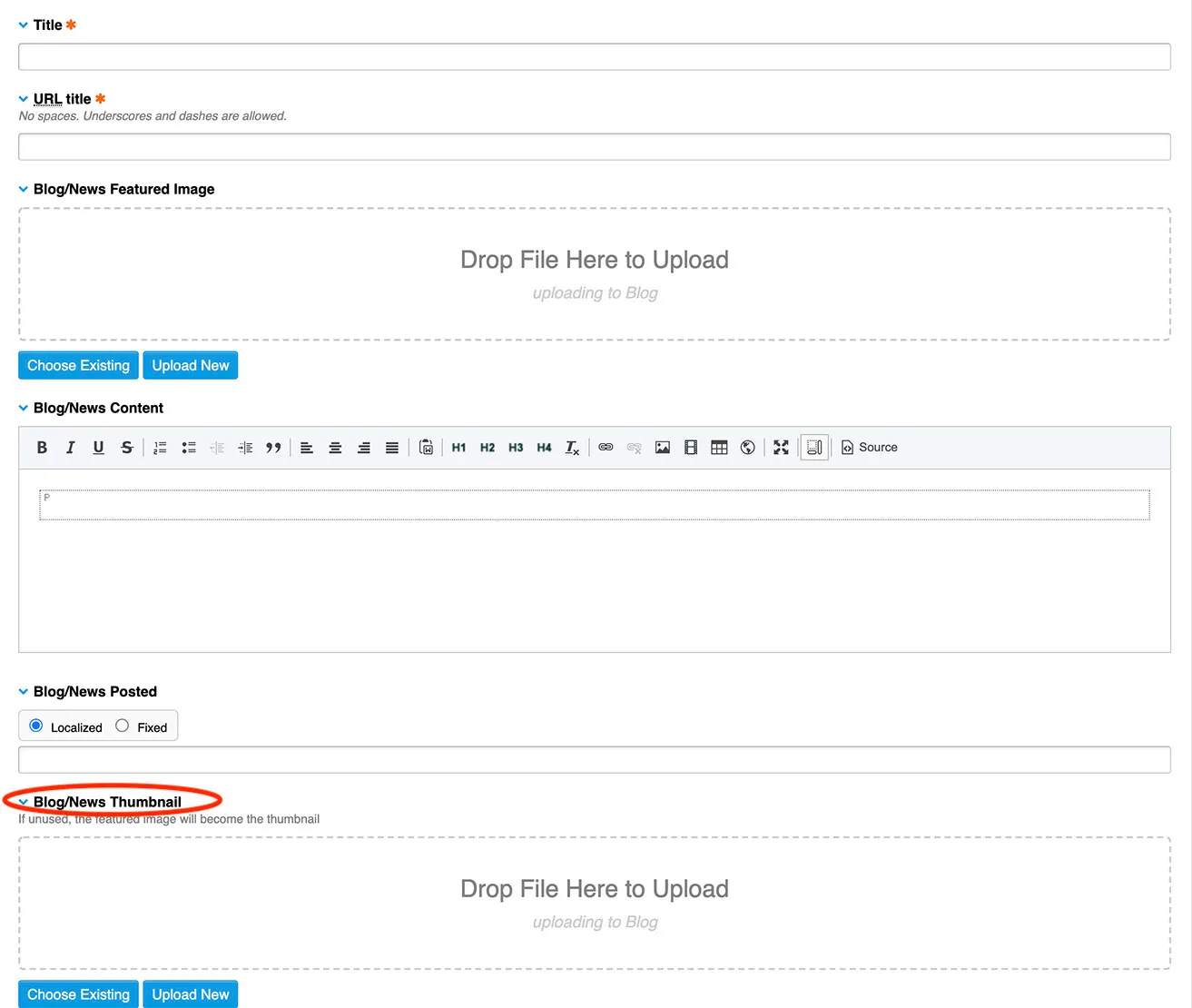
Blog Thumbnail
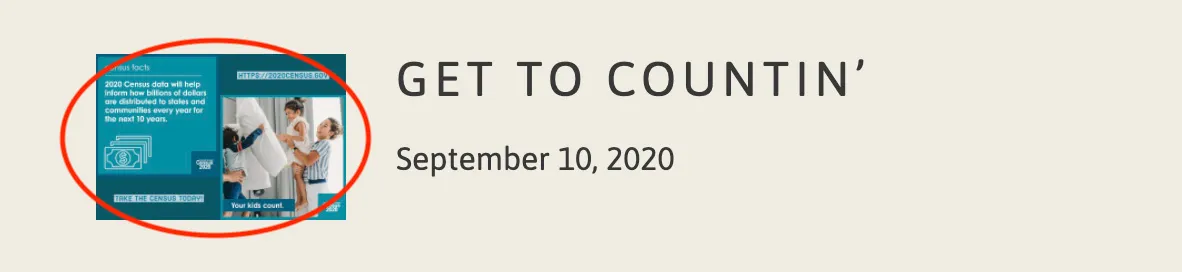
The blog thumbnail lets there be an image next to the blog title. A thumbnail just adds a little visual to your blog page instead of only blog titles.
These are the steps you will need to follow when creating a blog post. Once you get the hang of creating a blog post, it will be extremely easy to keep your blog fresh. If you have any questions about blog posts, website design in Oklahoma City, Dallas web design, or any other queries please reach out.